
How reminders work
Workflow sends two kinds of reminders: reminder emails that follow up on work you've shared with clients and reviewers, and a one-time due-date notification to whoever a task is assigned to.
Reminder emails for shared work
When you share a task or a project with guests and reviewers by email, Workflow sends the share email first and then keeps sending reminders until the reviewer gets to it. Reminders for a task arrive with the subject "Please leave feedback" followed by the version name; reminders for a project tell the recipient that you're waiting for their review. Both can include a personal message from you.
The reminder frequency is chosen when the share is sent. The Figma plugin's share screen offers No reminders, Each weekday, Every 2 weekdays, and Every 3 weekdays.
The reminder frequency selector lives in the Figma plugin's share screen. In the web app, the "Share this task with others" dialog and the project invite form don't offer reminder options.
Reminders stop as soon as the reviewer opens the link, unsubscribes with the link in the email, or once five reminder emails have been sent.
Due-date reminders for assignees
When a task reaches its due date, the assignee gets a one-time notification telling them the task is due today. It arrives in the Workflow inbox, and by email or Slack if the assignee has those notification preferences turned on. Each task reminds the assignee once, and the reminder also covers tasks whose due date has already passed.
To set a due date:
Open the task.
Choose a date from the Due date control, either in the task card's menu on a board or in the task's Details tab.
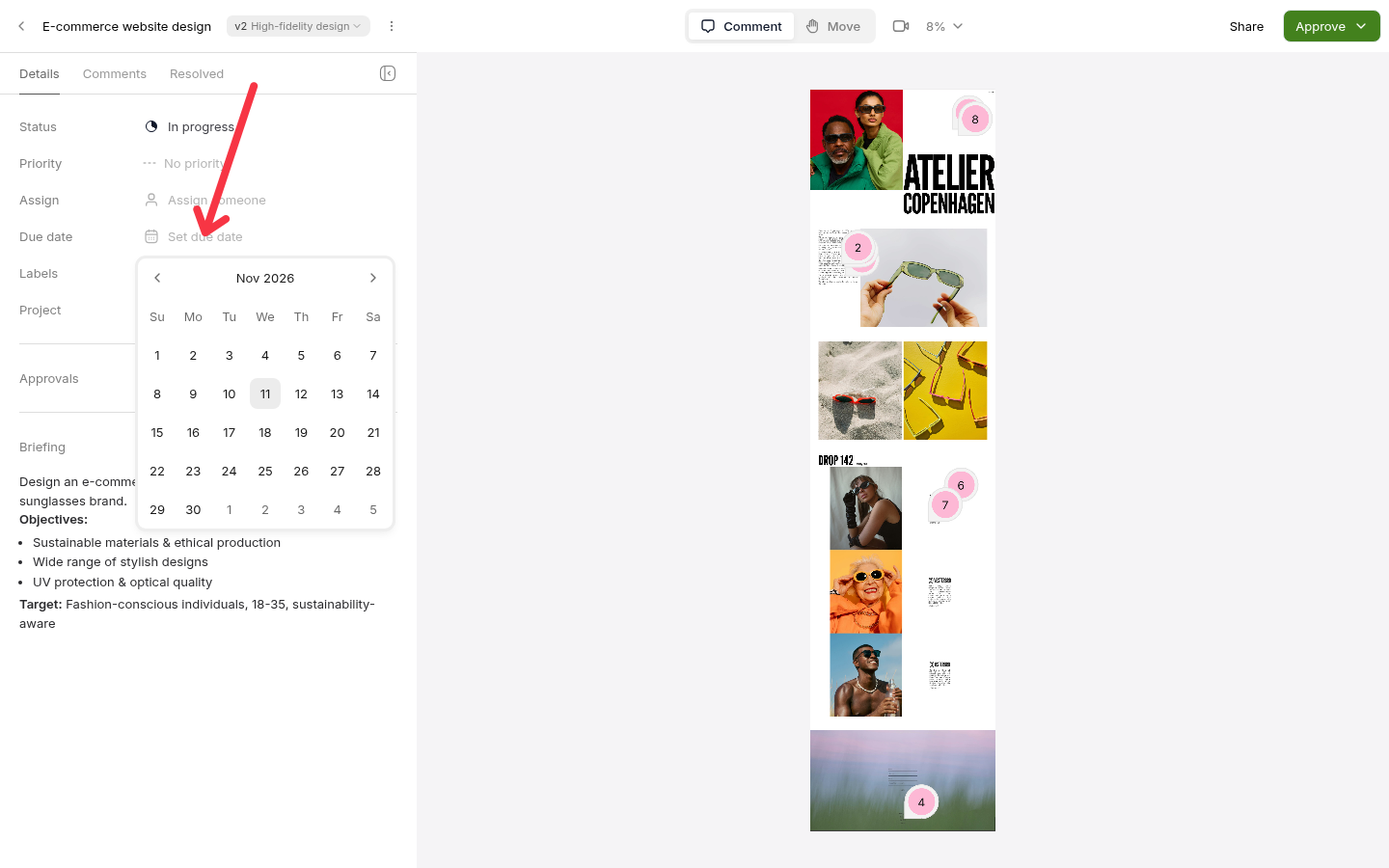
The task card shows the date as a badge: Overdue, Due today, Tomorrow, or the number of days left.
Tasks in the last lane of a board (such as Done) don't send due-date reminders.
Who gets which reminder
Reminder | Who receives it | What triggers it |
|---|---|---|
Share reminders | Guests and reviewers you shared a task or project with by email | The share email you sent, repeating until they open it, unsubscribe, or five reminders have gone out |
Due-date notification | The person the task is assigned to, teammate or guest | The task's due date arriving, once per task |
Reviewers who comment through an anonymous share link don't receive emails at all, so they can't be reminded; see What Reviewers See for what they do get. Guests also receive regular notifications such as invitations, replies to their comments, new versions, and sidebar messages, covered in What Clients and Guests See in Workflow.